Snap a receipt
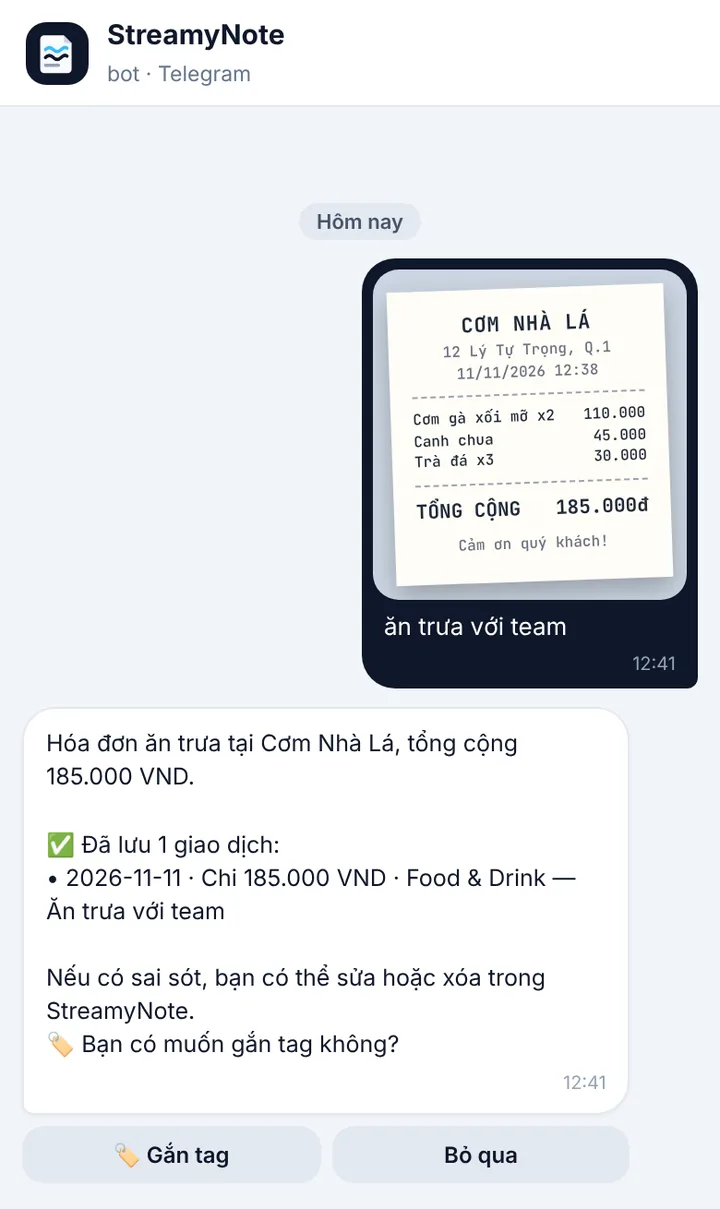
Attach or take a photo of a bill, invoice, or receipt in the Playground, or send it to the Telegram bot. It reads the total and saves the expense for you.
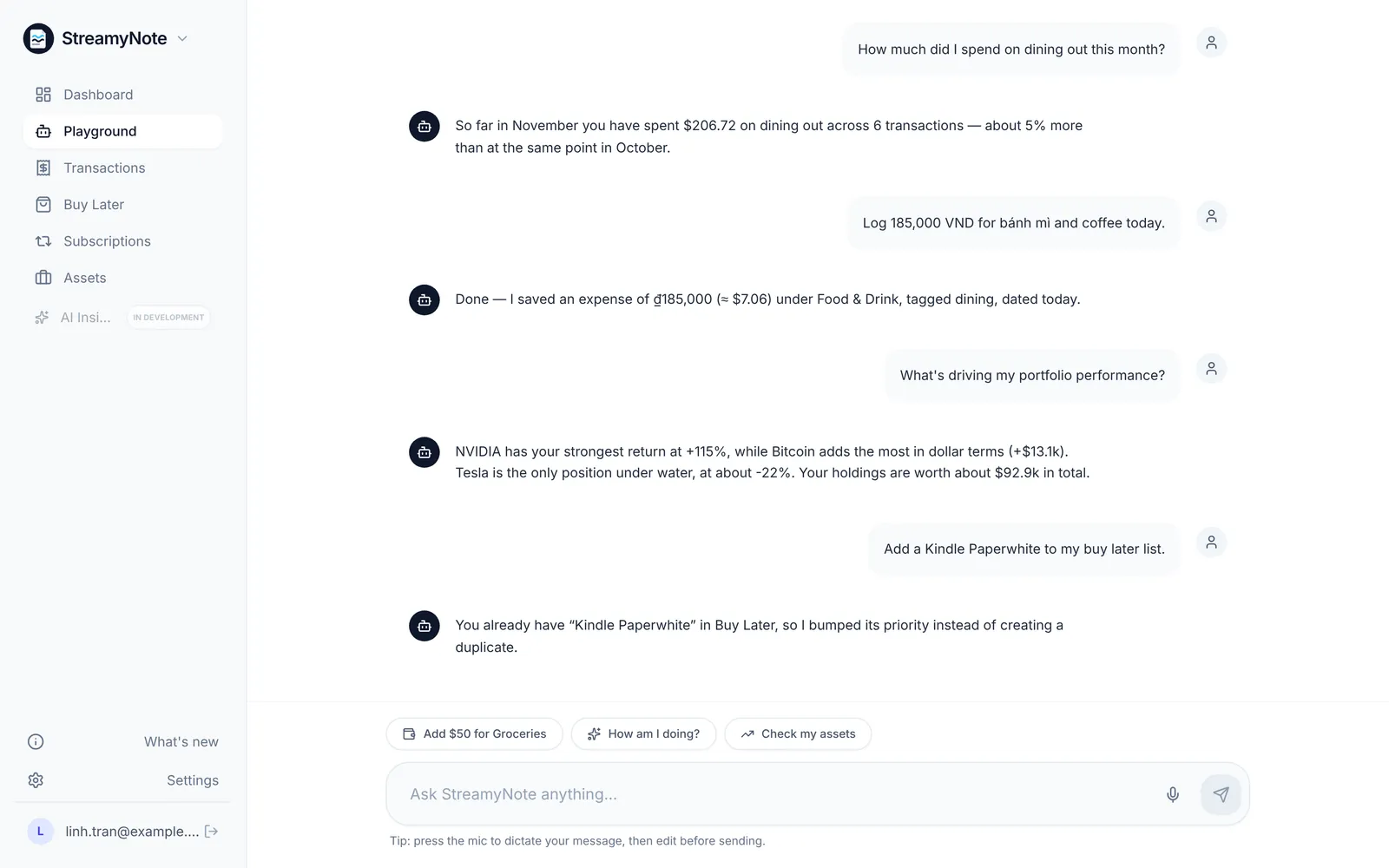
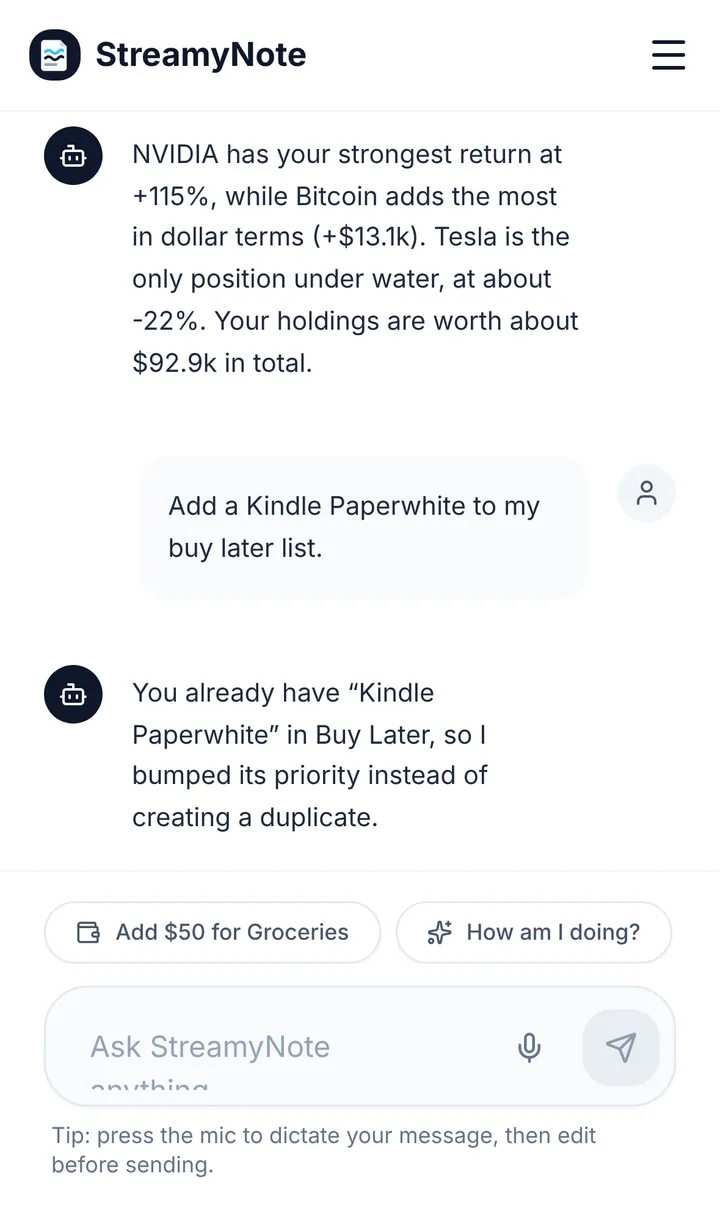
Log money the way you already do: type a sentence or attach a photo of a bill, receipt, or bank-transfer screenshot in the Playground, or send it to the StreamyNote bot in Telegram. The assistant can also add subscriptions and assets, reads your transactions, assets, and Buy Later list to answer questions — and Telegram sends you a spending summary every evening.
What you get
Attach or take a photo of a bill, invoice, or receipt in the Playground, or send it to the Telegram bot. It reads the total and saves the expense for you.
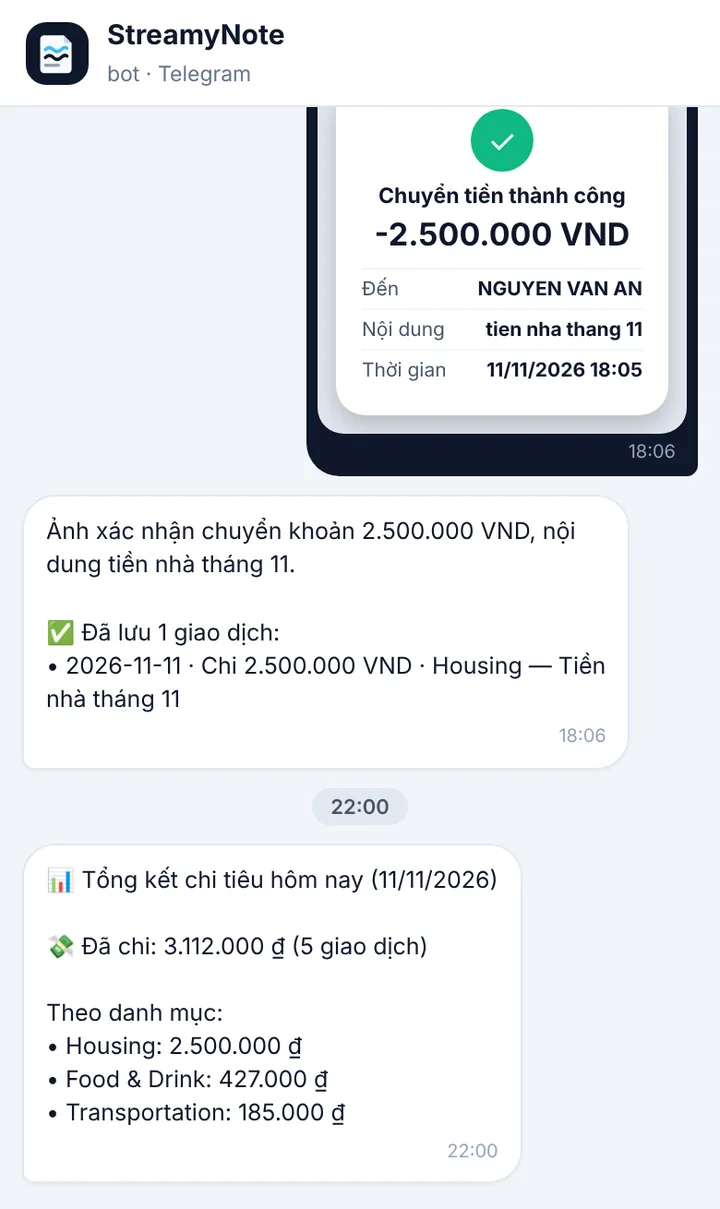
Bank-transfer confirmations, e-wallet receipts, and banking notifications become income or expense — up to 10 from one statement.
Type “Lunch 18” or “Got paid 2,000 EUR” — or a whole day in one message — and each transaction is saved.
Ask what you spent on dining this month or what drives your portfolio, and get answers from your own data.
With Telegram connected, the bot sends an evening summary of what you spent today, broken down by category.
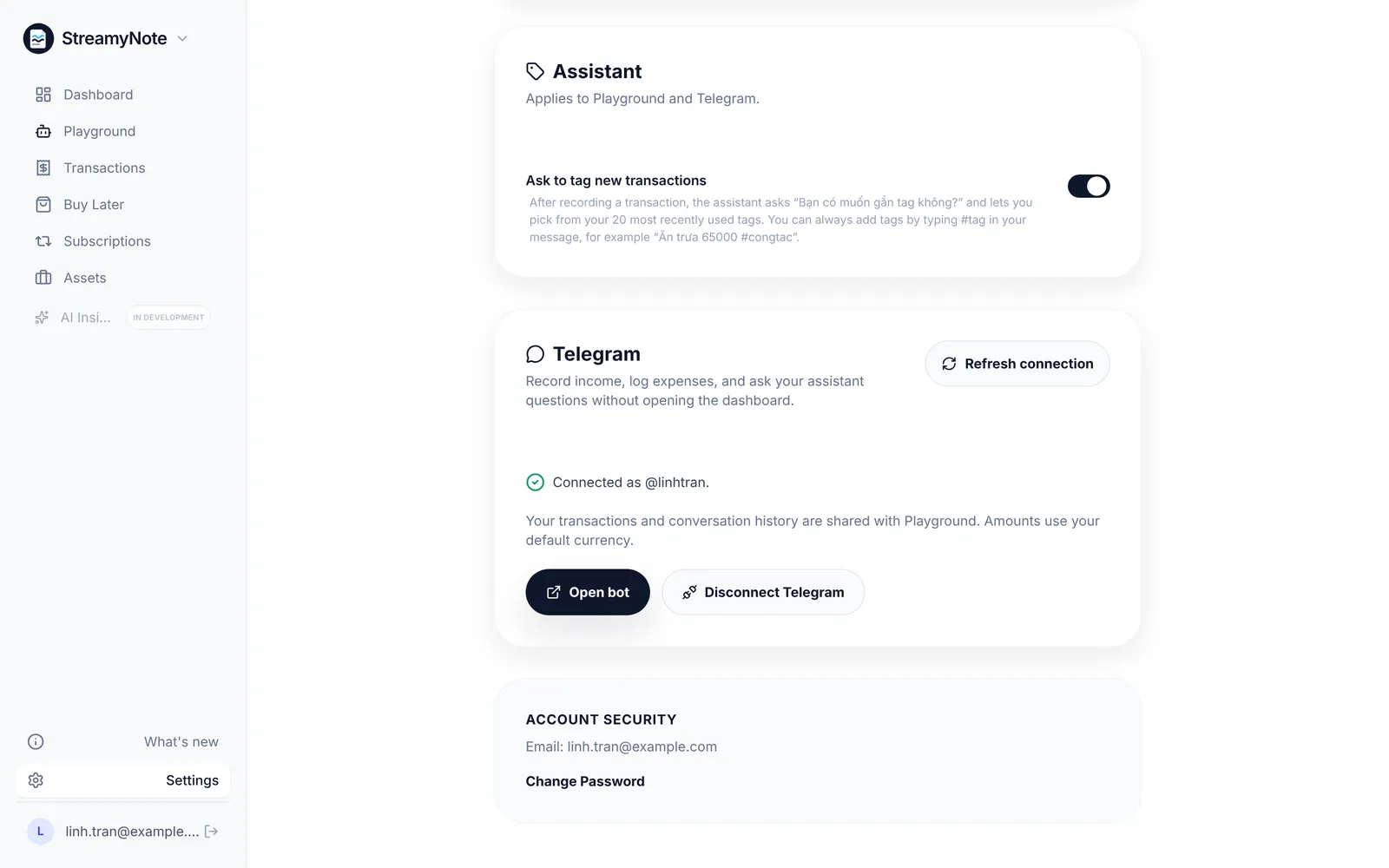
After saving, pick tags from suggested buttons — in the Playground and in Telegram — or type #tag in your message.
Telegram
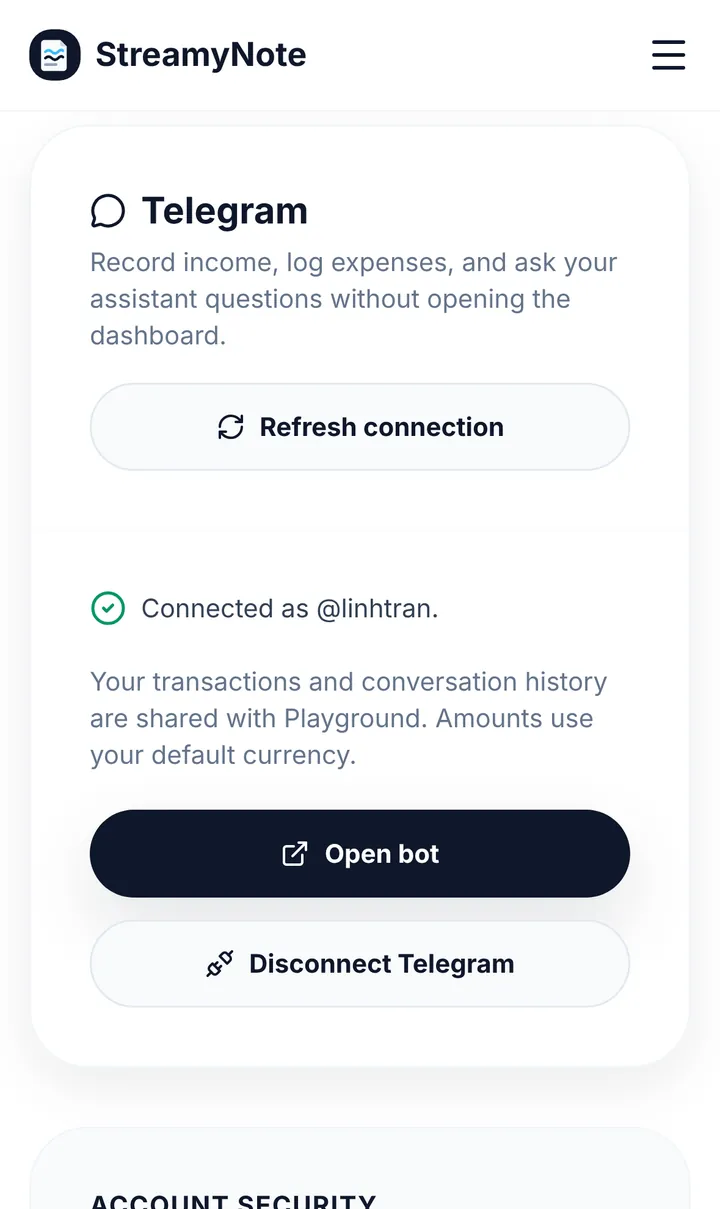
Open Settings → Telegram, create a private link, and press Start in the bot. Your transactions, Buy Later list, and chat history are shared between the bot and the Playground, so you can switch between phone and desktop freely.
Receipt and screenshot scanning
Send a photo or screenshot to the bot and add an optional caption such as “dinner with the team yesterday”. The bot saves what the image shows, tells you exactly what it recorded, and asks whether you want to tag it. In the evening it sends a summary of the day.
How it works
Open Playground from the sidebar and type, dictate, or attach a photo — or tap a suggestion like “How am I doing?”.
In Settings → Telegram, create a link and press Start in the bot to take the assistant with you.
Write in plain language, or send a receipt or transfer screenshot. The bot replies with exactly what it saved.
FAQ
Yes, in the Playground and in Telegram. Attach or take a photo of a receipt, invoice, bank transfer, e-wallet receipt, or banking notification and the assistant saves the transactions it shows.
Yes. When Telegram is connected, the bot sends a daily summary of your spending in the evening, with the total and a breakdown by category.
It can record one or several transactions, edit a recent transaction, list transactions, add subscriptions and assets, show your holdings, answer questions about your finances, and add or list Buy Later items.
No. You can write messages such as “Lunch 18” or “Got paid 4,000”, and amounts without a currency use your default currency.
No. Deleting transactions is not supported in chat; you delete entries from the Transactions page.
More features
Log income and expenses with categories, tags, and currencies, then see where money goes each day and month.
See every recurring payment, its billing cycle and next date, and what subscriptions cost you per month and per year.
Track crypto, stocks, gold and cash by lot, with cost basis, market value, gain/loss and return in one view.
Free to use
Create a free account and start using the dashboard, transaction flows, asset tracking, subscription views, Buy Later, and AI assistant.