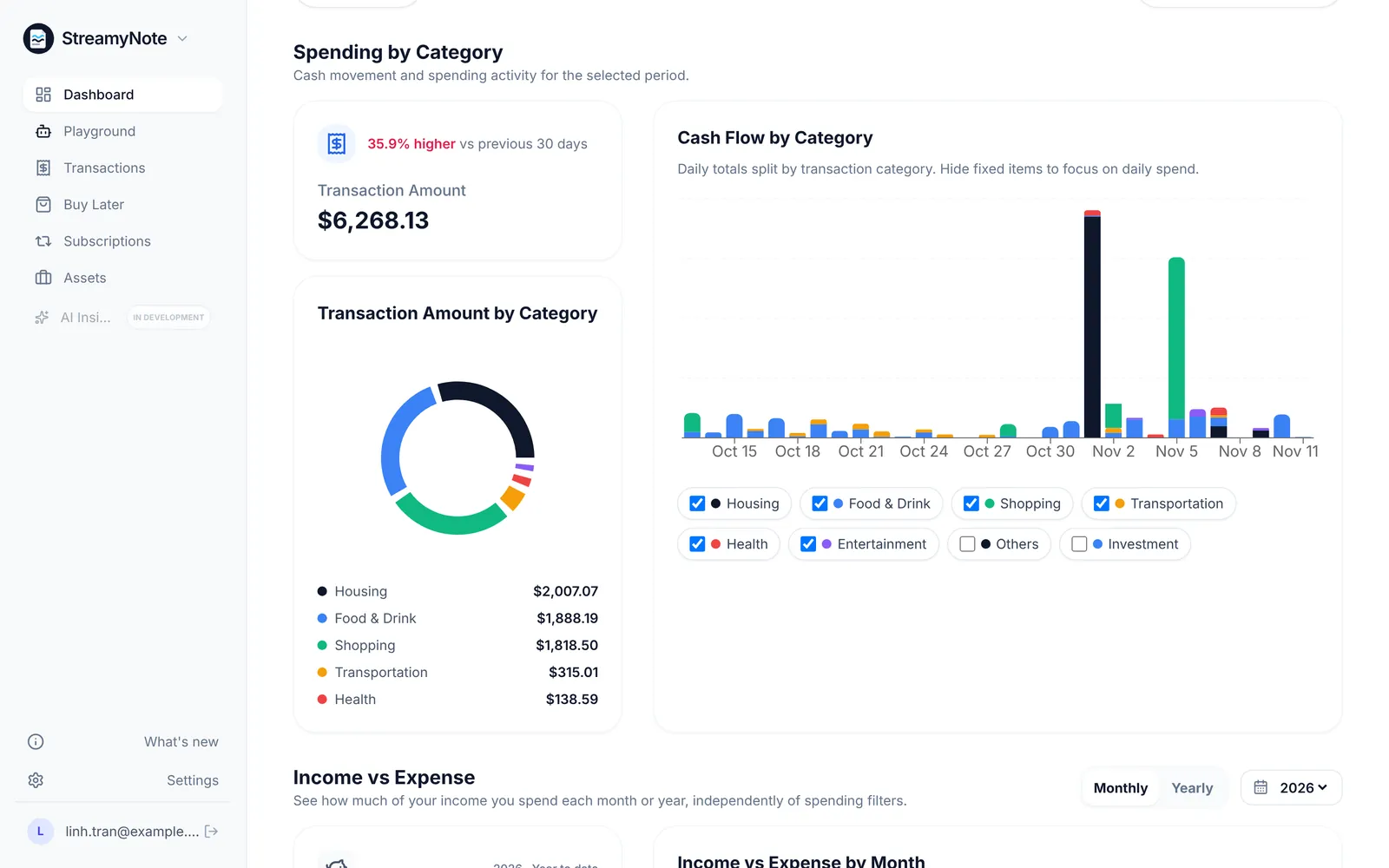
Cash flow by category
Daily stacked bars show which categories drive spending. Toggle fixed costs like rent off to focus on day-to-day spend.
Record every income and expense in seconds, organize it with categories and tags, and let StreamyNote turn it into a clear picture of your cash flow — by day, by category, and by month — in your default currency.
What you get
Daily stacked bars show which categories drive spending. Toggle fixed costs like rent off to focus on day-to-day spend.
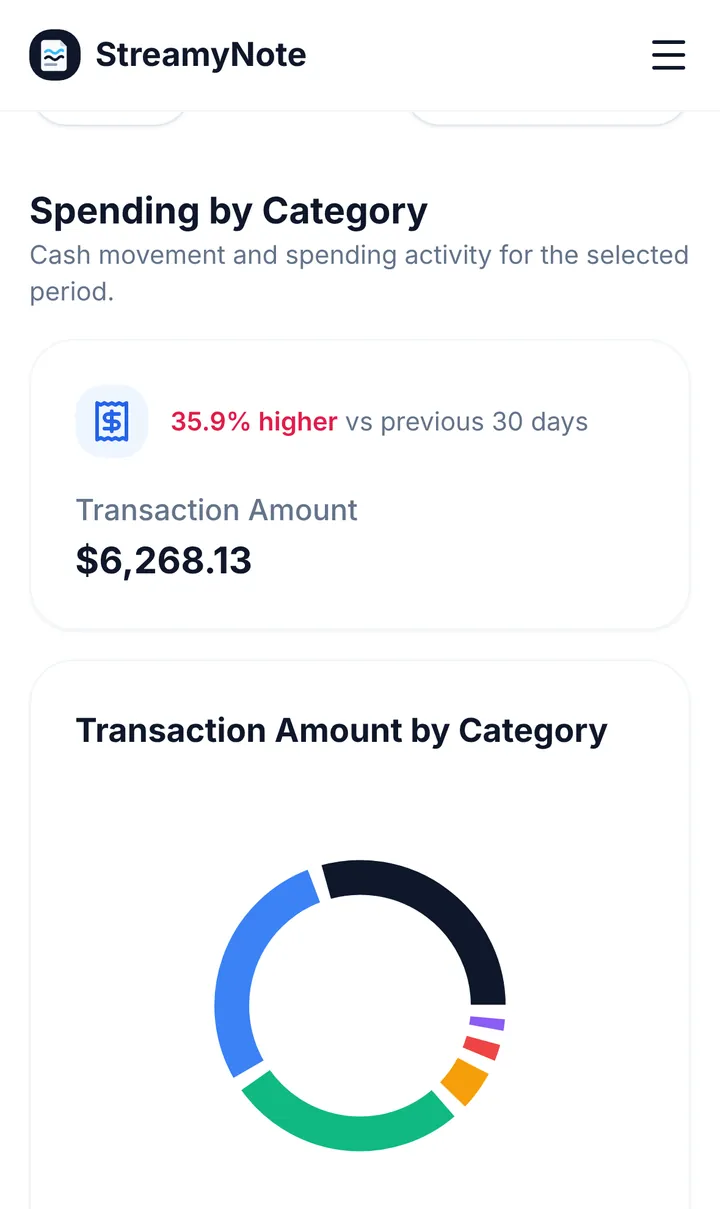
A category donut and totals for the current month, last 30 or 60 days, or all time — compared with the previous period.
Monthly or yearly income and expense bars with the share of income you spent and your savings rate.
Use built-in categories and your own tags such as travel or work, then filter the dashboard and history by them.
Log in USD, EUR, or any supported currency. Reports convert everything to your default currency.
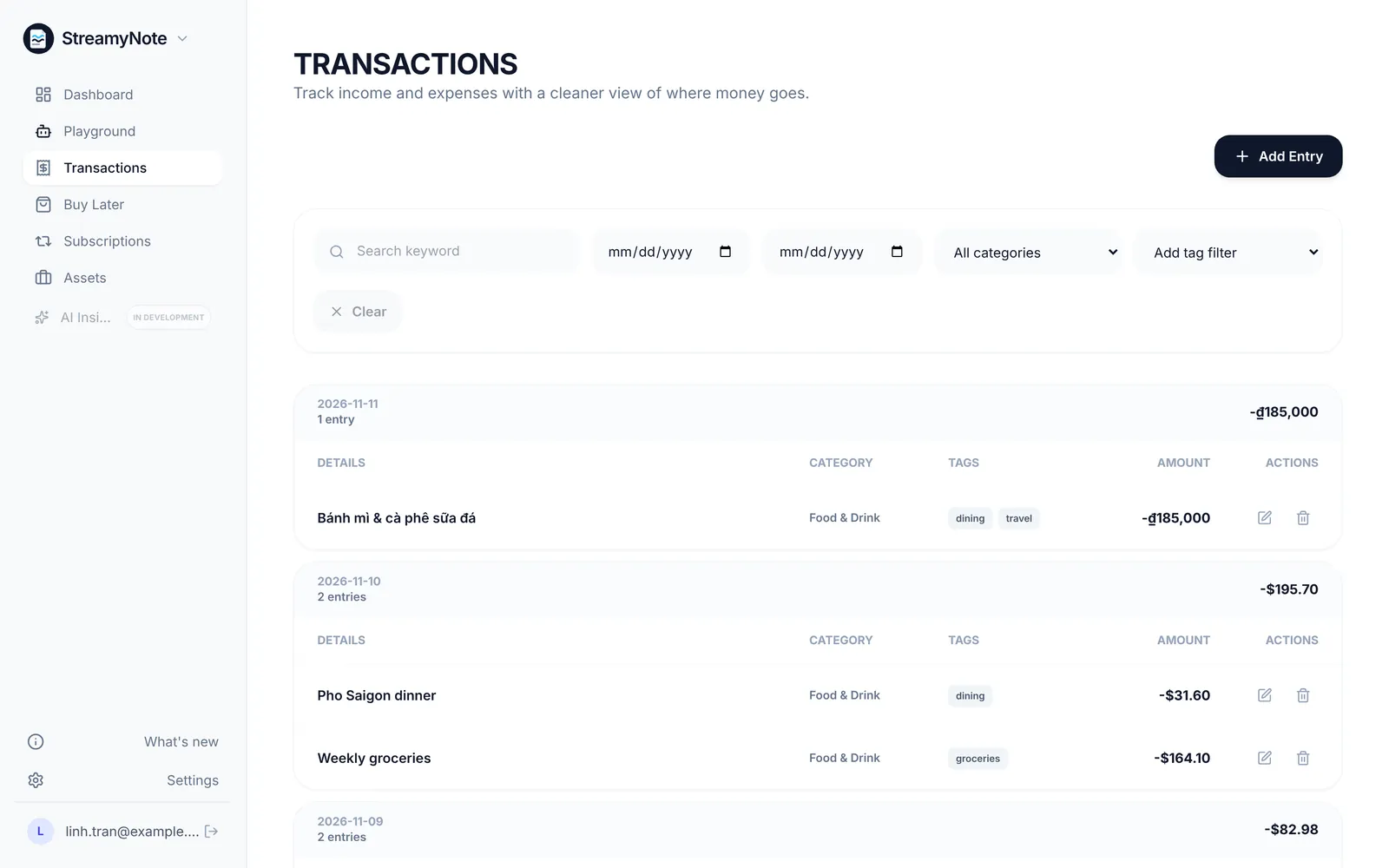
Find transactions by keyword, date range, category, or tag in a history grouped by day with daily totals.
Transaction history
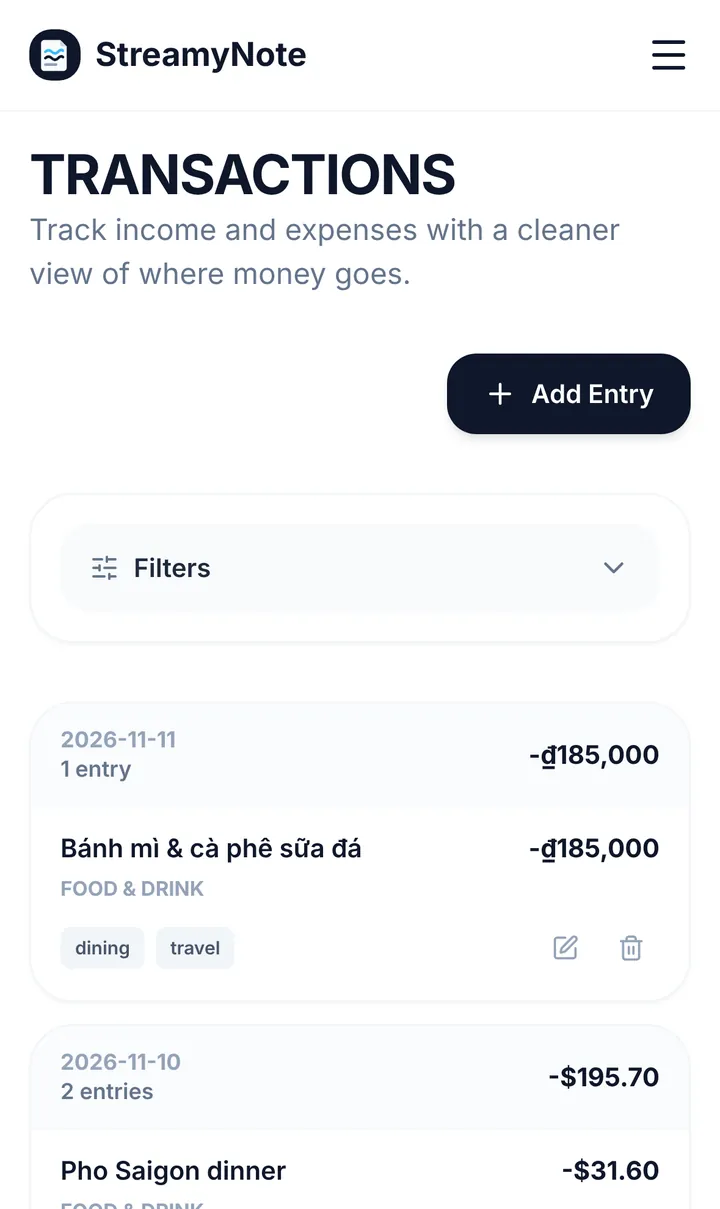
The transaction list groups entries by date with a total for each day, so a busy week is easy to scan. Edit or delete any entry inline, and link recurring payments to their subscription.
How it works
Enter the amount, type, category, currency, and optional tags — or just tell the AI assistant in one sentence.
Switch the dashboard between this month, the last 30 or 60 days, or all time, and narrow it with tag filters.
See spending by category, the change from the previous period, and income vs expense for every month of the year.
FAQ
Yes. You can create a free StreamyNote account and use transaction tracking, the dashboard, and the reports without a paid plan.
Yes. Each transaction keeps its own currency, and the dashboard converts totals into the default currency you choose in Settings.
Yes. Each category in the cash flow chart can be switched on or off, and your choice is saved for next time.
No. You can tell the AI assistant something like “Lunch 18 USD” and it records the transaction for you, including several transactions from one message.
More features
Log money by chat or by snapping a receipt, add subscriptions and assets, ask about your spending, and get a daily report.
See every recurring payment, its billing cycle and next date, and what subscriptions cost you per month and per year.
Track crypto, stocks, gold and cash by lot, with cost basis, market value, gain/loss and return in one view.
Free to use
Create a free account and start using the dashboard, transaction flows, asset tracking, subscription views, Buy Later, and AI assistant.